PITMAPLUS

Build your own AI tools
01/ 04
FOR DEVELOPERS
Add AI and ML tools to your stack and go from using existing models to building solutions of your own.
PythonNeural NetworksApplied ML
DevelopmentAI Engineering

Watch Jams, build AI and ML projects, and get feedback from the community. Take your first line of code all the way to a project on GitHub.
WATCH. BUILD. SHARE.
Add AI and ML tools to your stack and go from using existing models to building solutions of your own.

Build a foundation in AI and ML with a sequence of lessons that guides you from one skill to the next.
What will you build next?
Join for free


Watch video lessons, build projects and get answers from the community, all in one place for free.
01 / VIDEO LESSONS
Pick a topic, watch the explanation and follow the code, from Python basics to machine learning.
Watch Jams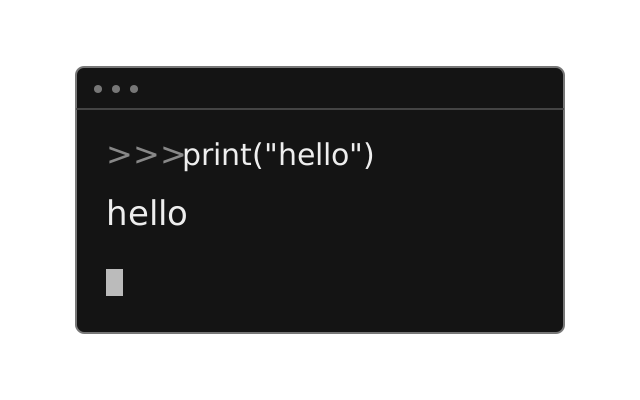 Video lesson
Python for data science
Video lesson · 54 min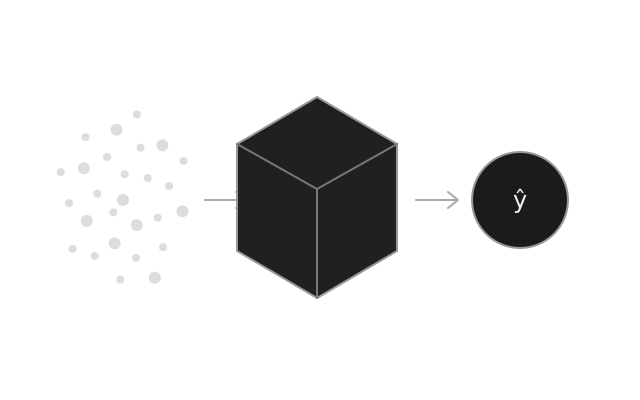 Video lesson
AI and machine learning
Video lesson · 62 min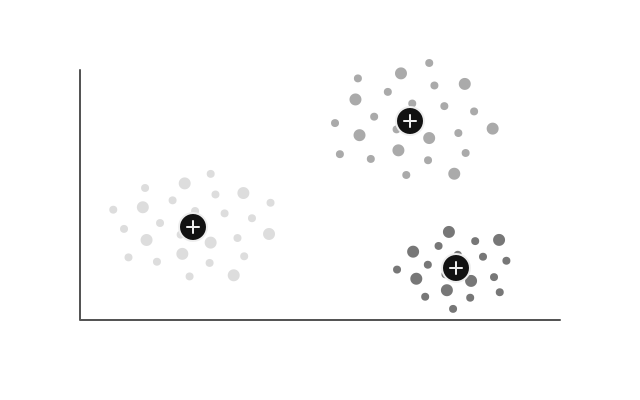 Video lesson
AI and machine learning
Video lesson · 41 min02 / YOUR PROJECTS
Start with an idea from a Jam, write the code and open a pull request. Use the review to improve your solution, then share it with the community and on GitHub.
Create a projectdef attention(q, k, v): d = q.size(-1) scores = q @ k.transpose(-2, -1)+ scores = scores / math.sqrt(d) weights = scores.softmax(dim=-1) return weights @ vSee the implementation and its changes together.
Add scaling before softmax.
Ready to merge into main.
Your project is now in the community gallery.
03 / COMMUNITY
Stuck on code or a concept? Ask the community, talk through your approach and help others learn.
Join the communityAsk a question or share a solution.
My model does well on the training data but much worse on new data. What should I check first?
Compare training and validation loss. If training loss keeps falling while validation loss rises, your model may be overfitting.
Build a workflow without code. Choose a dataset, prepare the data and configure a model.
Open the Python notebook in Google Colab and check the results.
Customer churn
25% held out for testing
Logistic Regression
Accuracy · F1
Evaluate the model after running the notebook in Colab.
Choose a regression, classification or clustering preset and adapt it to your task.
Try a different model or change a parameter. Run the notebook and import the result to see metrics and charts.
Turn the workflow into a Python notebook. Open it in Google Colab, run the cells and follow each step.
model.fit(X_train, y_train)Run your first ML experiment in your browser.
Try it for freePITMA GUIDES
Take an idea from a video lesson through Google Colab, a pull request, community review and publication on GitHub.
Read guideAdd a photo, skills, contact details and finished projects to your public PITBOOK profile, then share your portfolio.
Read guideNO-CODE EDITOR FOR ML PROJECTS
Read guide